Google me this
I switched from an iPhone 14 Pro Max to the new Google Pixel 11 Pro XL, and here is my not-so-magical experience. But before I get into everything that went wrong, I do want to talk about what went right. Because for the first few weeks with the Pixel, I absolutely loved it!
Starting off, I should probably disclose my Apple contamination. I’ve been part of the Apple ecosystem since I was eight, starting with an iPod touch 4. I’ve always liked how Apple handles things. They can be stubborn about how they want you to do something, but I’ve generally been happy with how those processes work. So yes, I came into this with a preference, and a whole lot of muscle memory.
Switching to Android meant retraining some of that. Things weren’t where I expected them to be, and I had to learn how a different OS wanted to handle my workflow. You would think that would be the part where I got frustrated and wanted to go back, right? Well… not in my case. I love messing with different operating systems and learning how they work. Getting comfortable with something new was part of why I wanted the phone in the first place.
I did end up returning it. But I want to explain why, because there was quite a bit I enjoyed, and I could have seen myself keeping this phone for years.
The part where I wanted to keep it
I’d been thinking about switching to a Pixel since partway through the Pixel 10’s release. The community on Reddit and TikTok seemed to really like the experience, and people who had one seemed to be die-hard about the phone and Google’s ecosystem. This intrigued me. I already used a lot of Google’s SaaS, so I thought this might be the cherry on top. Add in the Android tinkering possibilities and you can see why this caught my attention.
Pixels are also some of the few phones where you have an unlockable bootloader, which means you can wipe the stock OS and install something else entirely. The all-star is GrapheneOS, a privacy and security focused version of Android. This was a big one for me. Once I played around with Google’s stock OS and got bored, I was going to give GrapheneOS a spin and see how it was. It was giving jailbreak vibes.
Then I found out GrapheneOS doesn’t support the Pixel 11. Their developers got a partial port running, but couldn’t finish it because the Pixel 11 shipped without working support for hardware memory tagging (MTE), a security feature GrapheneOS leans on heavily. They’ve since found the hardware may support it after all and are still investigating, but nothing is promised. They might skip this generation completely. So the tinkering half of my plan never got off the ground, which, looking back, fits the theme of this post pretty well…
Still, when I first booted the Pixel, I was incredibly excited. I chose to transfer everything from my iPhone, and this was actually quite good. Back when I moved from an iPhone 6 Plus to a Samsung S9+, the process wasn’t nearly as smooth. I remember getting contacts and a few apps across, having to reinstall things, and dealing with failed attempts. My photos were already in Google Photos, but the rest felt incomplete.
With the Pixel, it was a whole different experience. Contacts, messages, passwords, passkeys, apps, and even their locations came over. It felt surprisingly close to moving from one iPhone to another, where you pick up the new phone and most of your stuff is already there. Just a different engine under the hood. I was up and running in about 15 minutes, and the main thing slowing me down was authenticating back into apps. Got to love two-factor authentication.
That was an incredibly promising start.
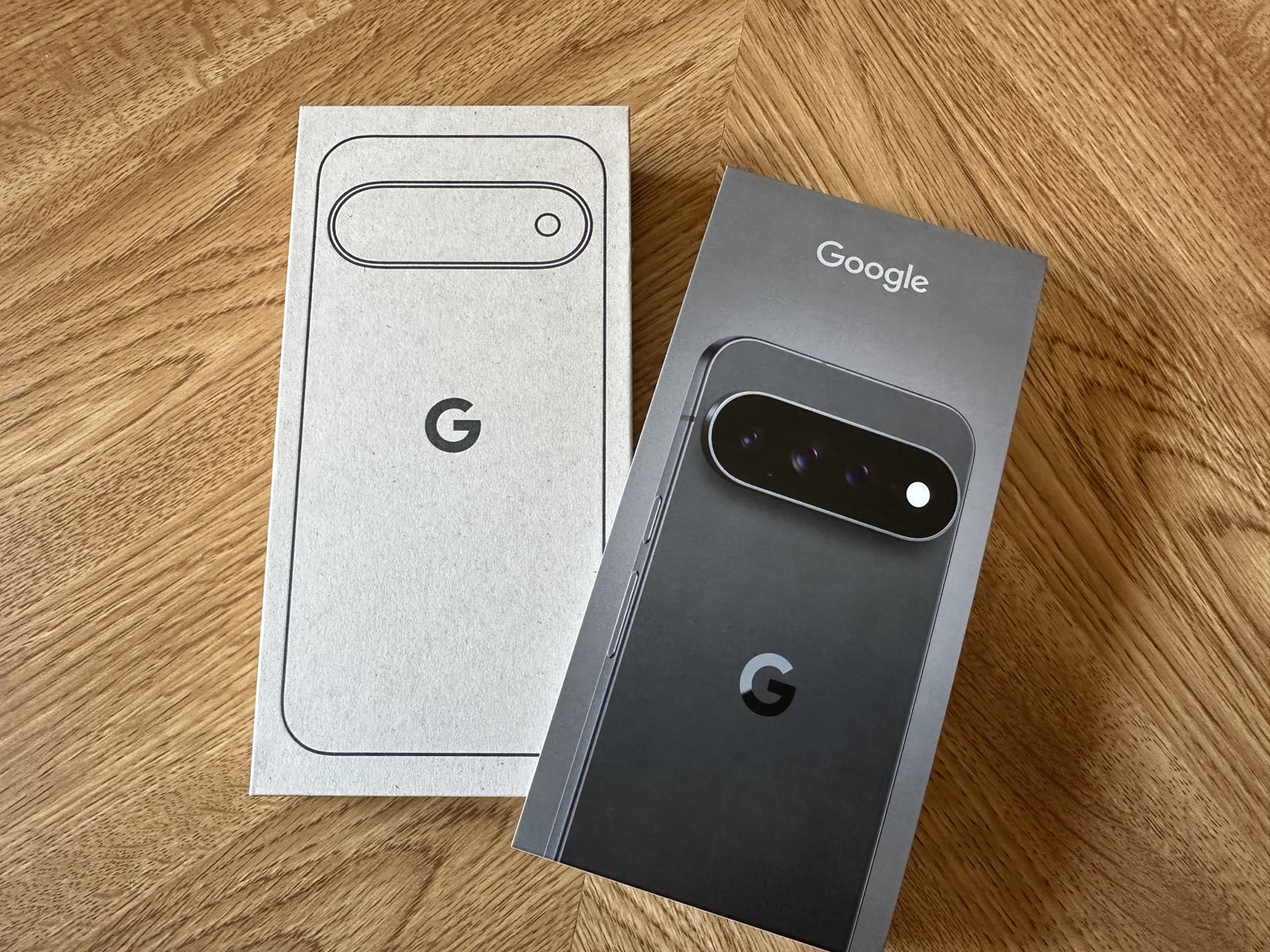
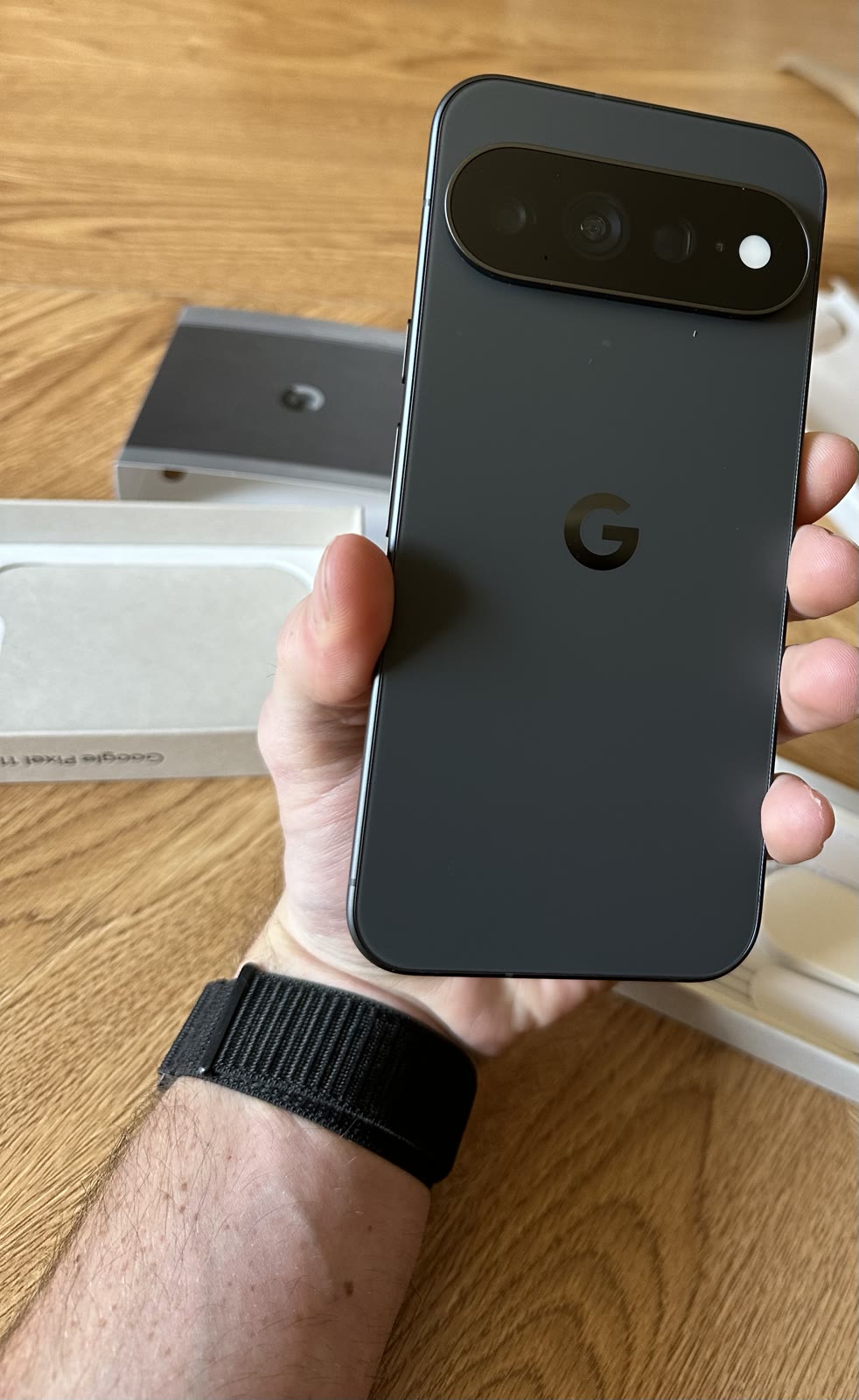
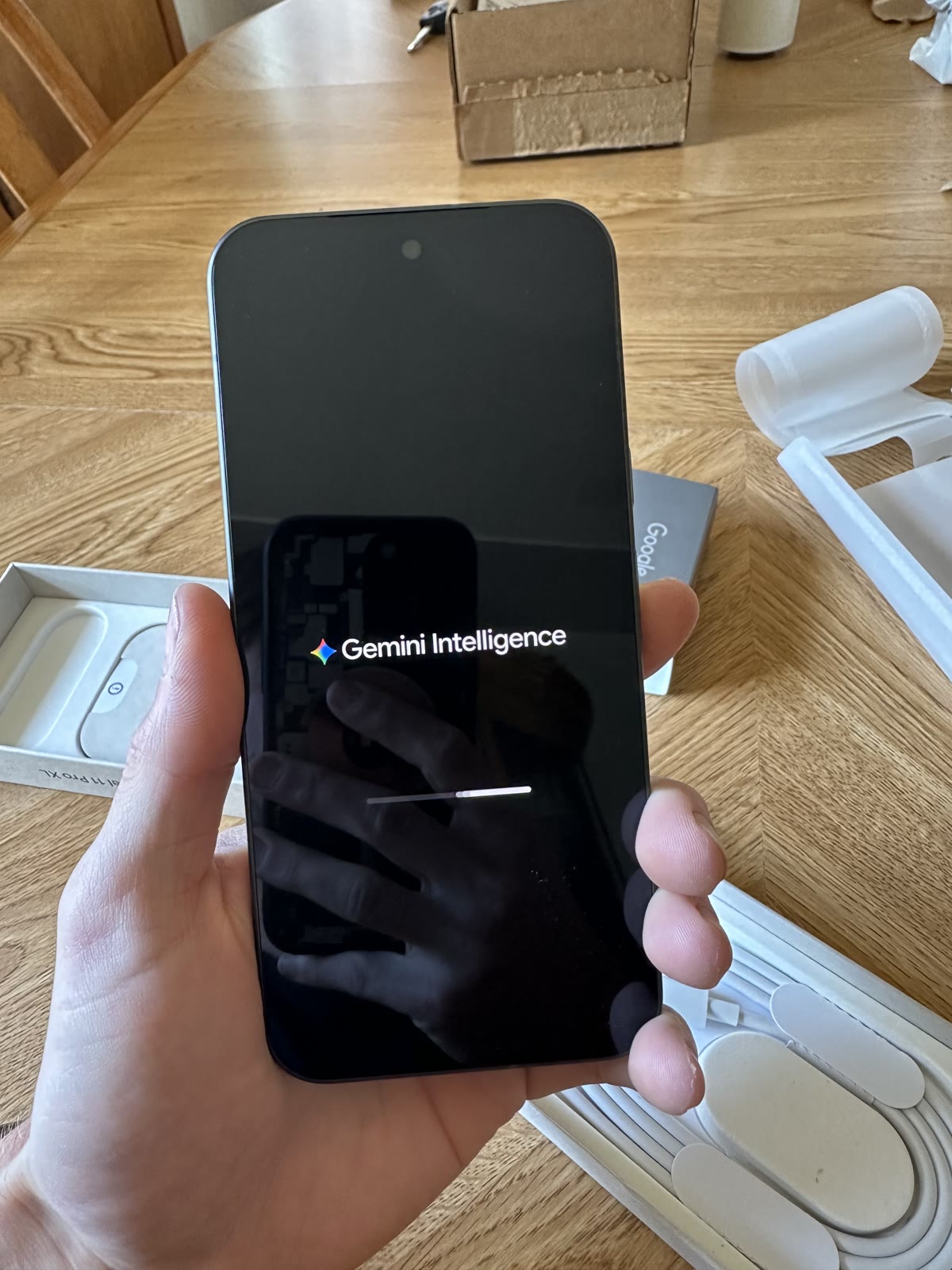
The proactive suggestions were the first feature that stood out. It was nice to be poked and nudged about things I had put on the back burner. Messages I hadn’t replied to, relevant images ready to add to a conversation, and notifications organized so the important stuff got my attention. It felt like the phone was paying attention to what I was doing and had something useful ready for me.
For example, a friend jokingly asked for five bucks, and the phone picked up on that and suggested sending the money through PayPal. I dig this kind of technology a lot. I could see the suggestions getting annoying if they were constantly off, but when they were relevant, it was convenient.
One of my favorite examples was when someone asked about my availability. The phone would prompt me to check my calendar, then suggest adding the plan or replying that I was busy. This was golden. Finally, something to help with my habit of forgetting to check the calendar and then forgetting to put things in it!
Well, sometimes. Adding the event could work perfectly, or it could leave out details or describe the plan incorrectly. So now I was back to manually fixing my calendar. I still liked the feature, but I started realizing I couldn’t always accept what it did and move on.
The showroom feature
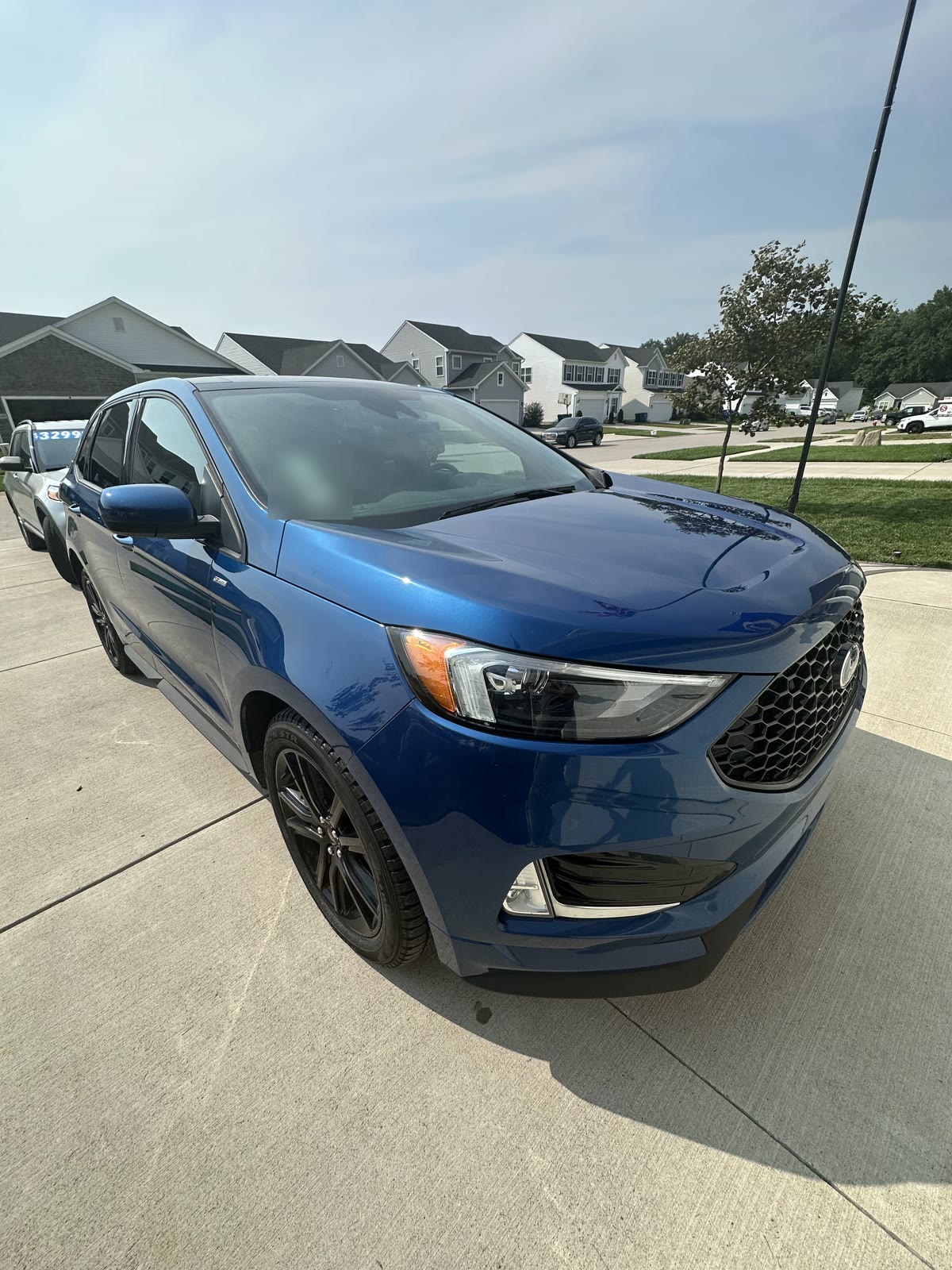
Let’s talk about the camera, because this was absolutely the first thing I showed people. The photos could look amazing, and showing off the 120× zoom made friends and family go, “Wow.” I was right there with them. It was insane seeing what some of those shots looked like compared with how far away I was standing.
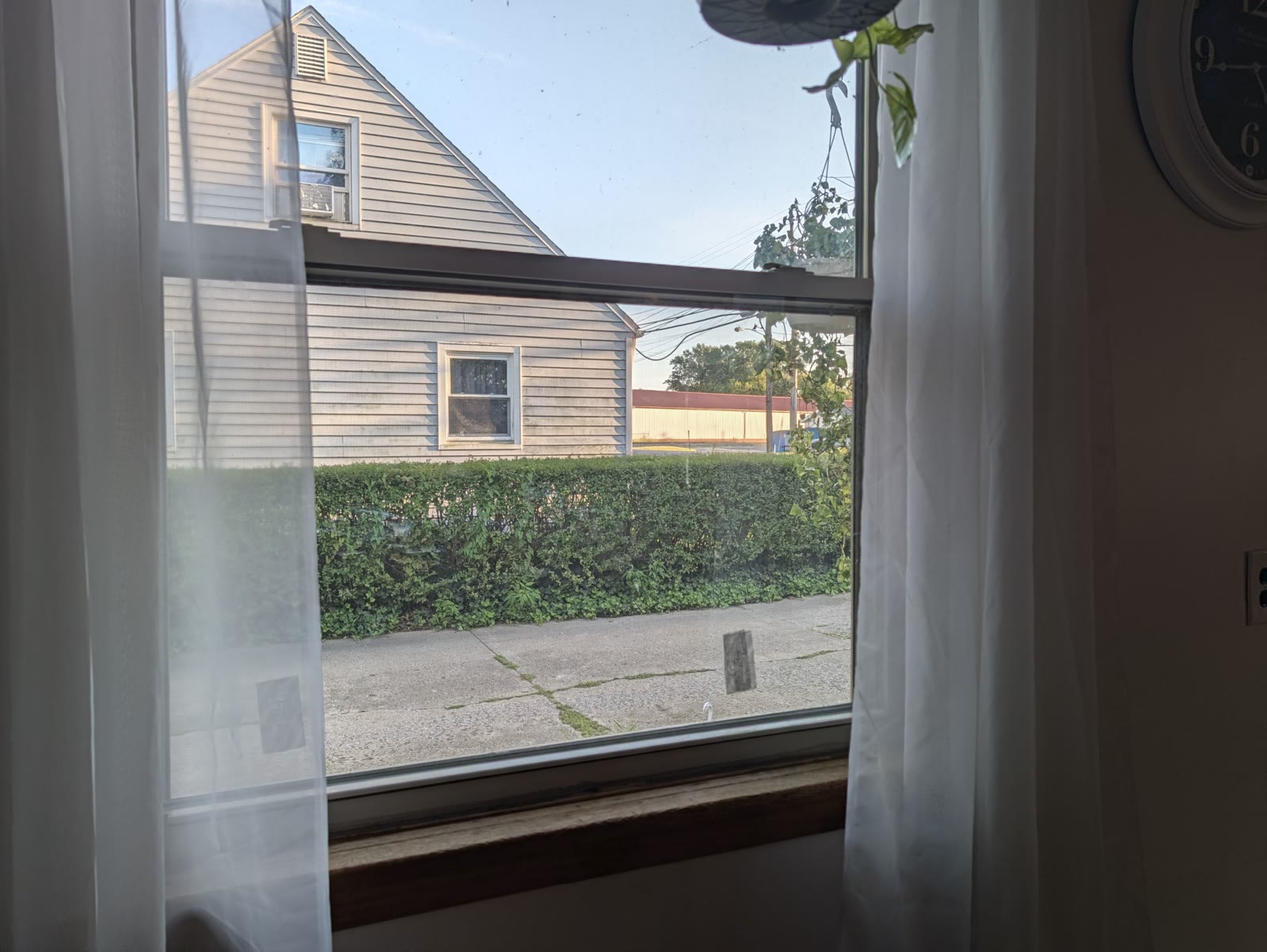

I took photos at the Freaks on Parade Tour that I was super happy with. I’ll include some of those along with a wider shot so you can see how far I was from the stage. I’ll also include a video, because this was one of the parts of the phone I was genuinely excited to use.




But the AI processing could be pretty noticeable. Some enhanced photos looked great and natural, while others looked like the phone was deciding what should be there instead of preserving what the camera had captured. I wasn’t going to stop showing off the zoom, but some results definitely had me looking a little closer.
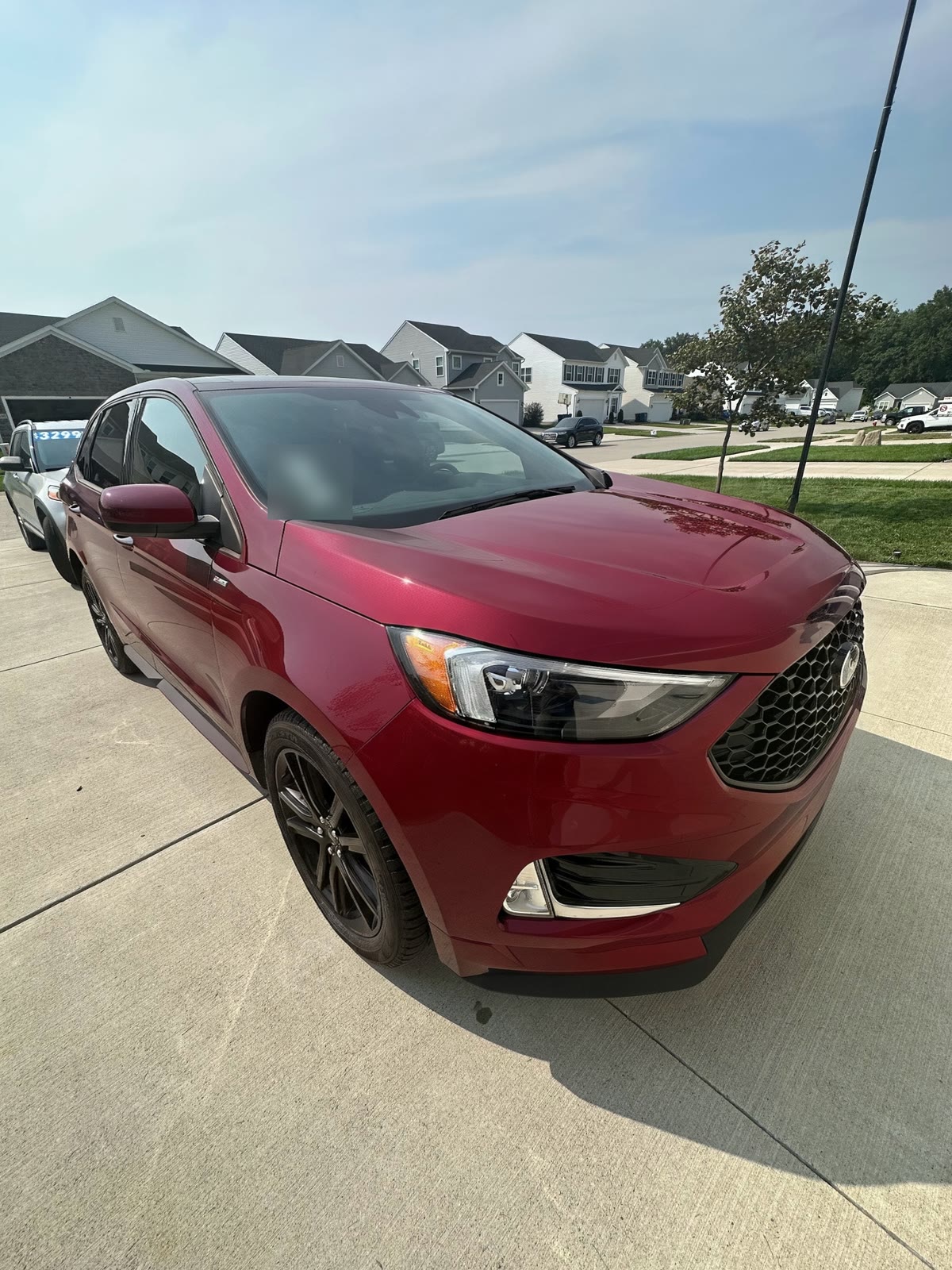
Before moving on, there was one more photo feature I was geeking over. In Google Photos, I could describe an edit I wanted and have it try to do it for me. That’s the kind of thing I want from AI. Let me explain what I’m trying to do instead of making me hunt through a bunch of tools first. Sometimes it worked extremely well. Other times, the result wasn’t close to what I wanted. Again, a feature I enjoyed, with results that weren’t always consistent.
Features I loved
One feature I got behind pretty quickly was the AI rewrite in Gboard. I could have it proofread something and fix punctuation and grammar, or ask for a friendlier, more professional, or more concise version. If those options weren’t doing it for me, I could just describe how I wanted it changed.
I liked this enough that I had Nero, my digital assistant, help set up a similar workflow on my work laptop. I run CachyOS on that machine, and the version we set up uses Anthropic’s models. It’s wonderful. So even though I returned the phone, that part of the experience followed me home. My iPhone 14 Pro Max didn’t have the same built-in tools I was enjoying on the Pixel. I’m now using an iPhone 18 Pro Max with the Siri beta and have been using its rewrite feature too.
Gemini also had things I liked. Being able to say, “Hey, set up a grocery list,” add the items, and then come back when I spontaneously remembered something else was nice. I could explain what I wanted naturally. Siri could do that kind of thing too, but I’d sometimes had a wonky experience with it. On the other hand, I missed my location-based reminders from Siri and didn’t get that workflow working the way I wanted on the Pixel.
Gemini Live with screen sharing was another favorite. If I was looking at something and had questions, I could go live and spitball with a model about it. If I had no idea what I was doing, it could help guide me through. Even finding a setting could be easier when I could describe what I wanted instead of guessing what word to search for. That fits pretty well with how I already use AI, so I appreciated having it right there on the phone.
One thing I wasn’t expecting was getting more out of my Garmin Forerunner 970. I could fully reply to messages and even pull up a keyboard, which I hadn’t been able to do with my iPhone setup. The text-to-speech voice for my workout announcements also sounded much more natural to me. I didn’t even know the phone had anything to do with that. I’d assumed the watch generated the voice itself, but it just sends my pace and intervals to the Garmin app on my phone, and the app reads them out using the phone’s own text-to-speech engine. On the Pixel, that meant Google’s voice instead of Apple’s. So a better phone meant better call-outs. I hadn’t switched phones expecting my watch experience to improve, so that was a nice surprise.
Then the runbook started getting longer
Now this is where the good started getting overshadowed by the issues I was having. I take voice notes to get my thoughts out before I forget them, which is what I like to call my runbook. Eventually, I had a pretty long list: graphical issues, audio bugs, connectivity problems, and features that only worked some of the time.
The Pixel was updated to the latest software available when I was recording these notes. Some problems were recurring, and some only happened once. Bear with me, because there was quite a bit.
One of the first issues I noticed involved the back gesture when I had Messages or a chat bubble open. I would swipe to back out, the screen would freeze or flash black twice, and then it would go back to normal. After that little episode, it would work again. Then it happened again. And again.
Let me tell you about the landscape bug — this one was absolutely rage baiting me. I’d turn the phone sideways, and certain apps would get stuck in landscape. Sometimes closing the app from the app switcher fixed it. Other times, it would stay sideways until I restarted the phone. It’s incredibly annoying when you’re in your flow state and suddenly have to stop what you’re doing to convince your phone which way you’re holding it.
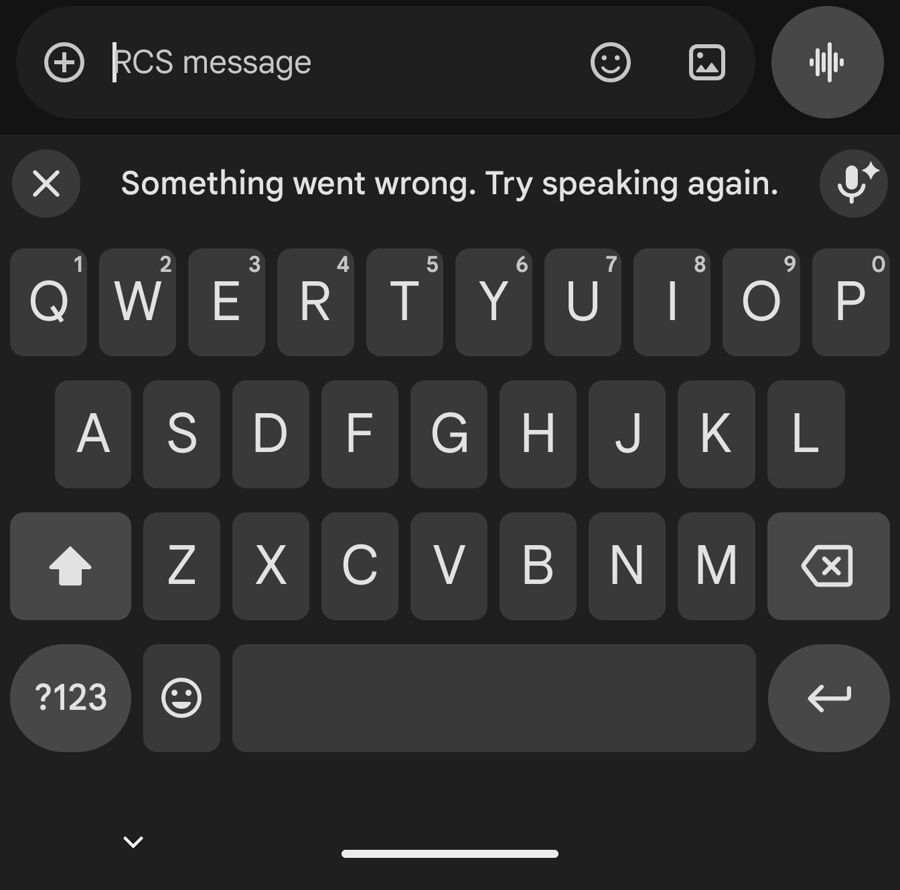
Even recording the runbook had its own problems. Voice dictation would sometimes give me a “retry” or “retry offline” message. On one occasion, I hit the offline option and it deleted a whole paragraph I’d already written above it. I was literally trying to document the experience and ran into another problem while doing it.
Android Auto was the hardest part
Now… let’s talk about Android Auto. This was the worst part of the experience for me, and I think that’s partly because I used it so often. There were enough different things happening here that it deserves its own section.
I had an audio issue over Bluetooth where a continuous beeping sound would play, almost like the backup tone when you put a car in reverse. Sometimes starting music made it stop. Other times, especially in Android Auto, it kept playing underneath the music and went up and down with the volume. The only workaround I found was disconnecting Bluetooth and reconnecting it.
Then there were the times when connecting was a struggle in the first place. In my September 10 note, I recorded it taking a long time to connect, timing out, and finally connecting after a few more attempts. A restart ended up resolving that episode. I don’t know whether the connection failures and the beeping were related, but they were both things I found myself dealing with constantly. It made me dread connecting to my car because it felt like a gamble every time. I was spending energy on something that should just work.
The volume behavior was probably the most irritating. During one drive, I could hear music playing, but it was incredibly quiet. I kept turning up the volume on the phone and the radio, and nothing seemed to happen. Then Google Maps announced the directions extremely loudly, because of course I’d just turned the radio all the way up trying to hear the music. Eventually, the music started responding to the volume controls again.
I also had a separate issue where media would briefly jump to the volume I’d set for navigation announcements. I kept directions louder than my music so I could hear where I was going, which meant the music would suddenly jump scare me when Maps spoke. Not going to lie, sometimes it was funny. It got old fast.
Navigation itself got stuck once too. Maps kept showing me in a parking lot even though I was already heading down the road. And when I used Gemini Live alongside navigation, a directions announcement could break the microphone input for Live. I’d have to end the session and start a new one to get it hearing me again. So a feature I’d actually been enjoying now had another interruption to work around.
There was also heat. While I had the phone plugged into Android Auto in a Ford Bronco, Maps gave me a warning that 3D rendering wasn’t available until the phone cooled down. I understand that charging while using GPS can generate heat, but I was surprised to hit that warning doing something I expected to be a normal use for the phone. This happened every time I had it plugged in.
I don’t know which part of the phone, apps, or car setup was responsible for each of these issues. What I do know is how often I ended up disconnecting, reconnecting, restarting, or adjusting things to get back to what I was doing. That wore on me.
The unreliable daily
One of the problems started on September 12, when I tried paying with my phone. I selected my card and tapped at the terminal, and it wouldn’t work. I even asked the person at the register if their machine was acting up, because I know tap can be a little funky sometimes. Then I took out the physical card, tapped it, and it worked right away.
My friend was there, and I’d been showing him the Pixel and explaining some of the bugs I’d been running into. I couldn’t believe he got to see one happen live. He was next to pay, used Apple Pay, and it worked right away too. I’m still not sure what happened with mine. It wasn’t a one-off, either. It would occasionally happen during the most inconvenient times. Like when I did not have my wallet on me. I use tap to pay everywhere, and honestly, I deeply prefer not carrying a wallet. This feature not working is a huge turn-off in my book.
Another frustration was how I interacted with Gemini, although part of this honestly was a preference thing. Holding the power button brought up an interface that felt geared toward giving it a request and letting it carry that out. Live was better suited to the kind of back-and-forth conversation I usually wanted.
The problem was that the first interface sometimes kept listening after I’d stopped talking. I’d finish my instructions, wait several seconds, and sometimes have to manually finish the input before it would do anything. When you’re trying to get something done quickly, that totally breaks the workflow. I found myself wishing Live would just come up so I could talk naturally and be done with it.
To give the Pixel credit, I liked that I had options. You can change the long-press on the power button to open Claude, ChatGPT, or another assistant instead of Gemini. I tried Claude as another assistant on the phone, and I still found myself reaching for its models because I preferred their reasoning and responses for a lot of my work. I had gone into the Pixel hoping the built-in AI would make that whole experience more convenient. There were moments where it did, but I didn’t end up with the smooth workflow I’d imagined.
A short detour into Pixel Buds
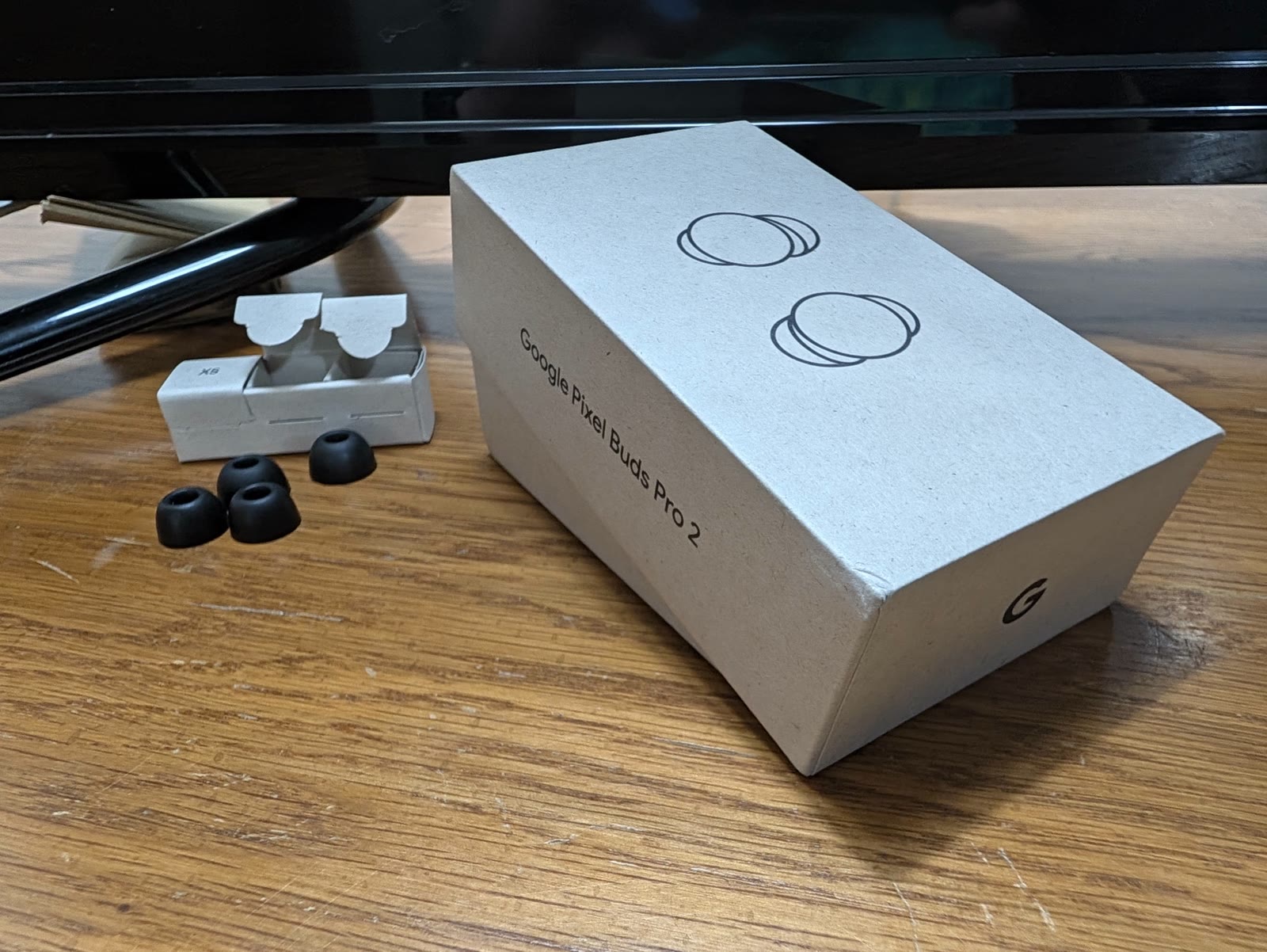
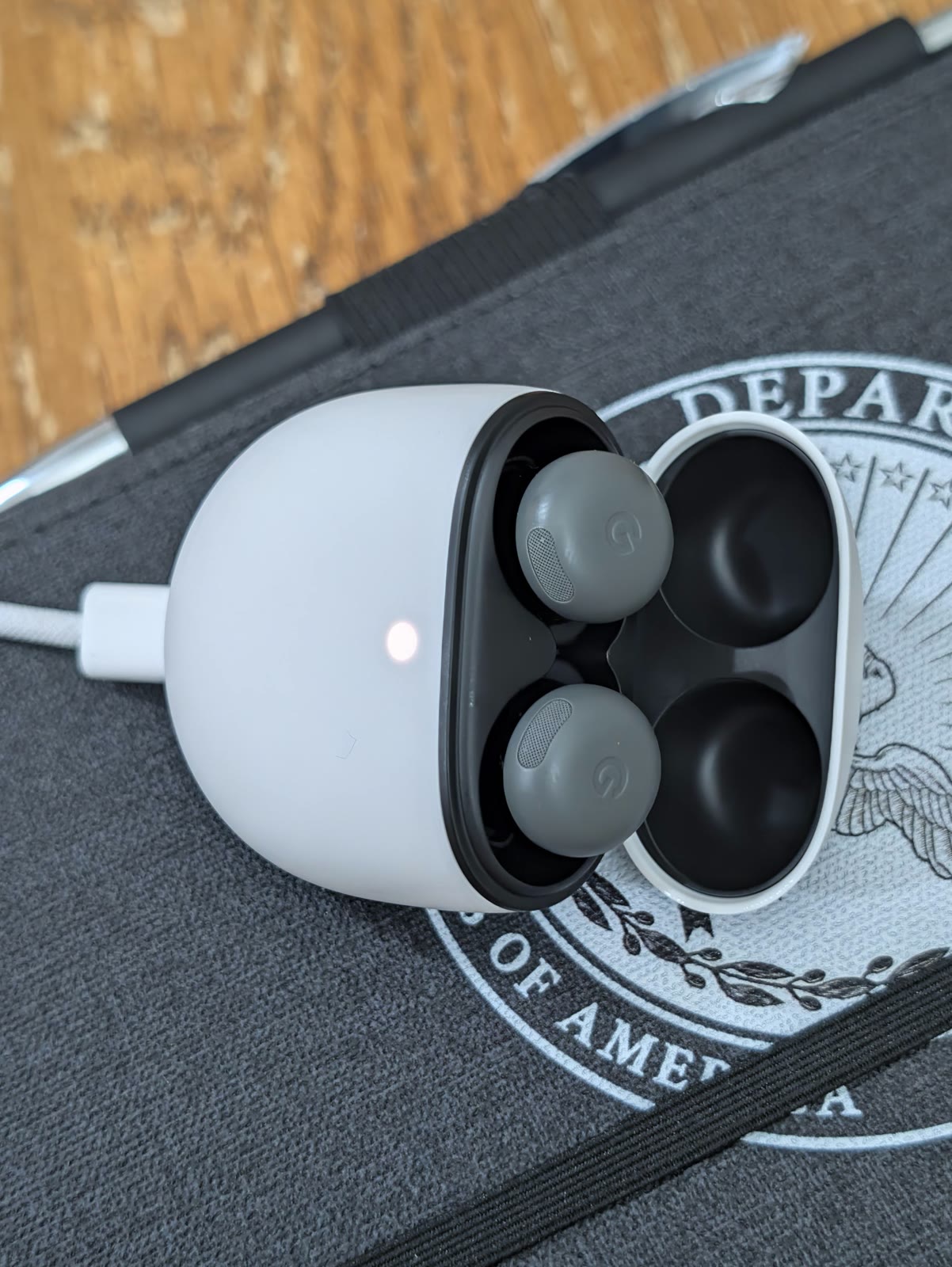
I also want to include my short experience with the Pixel Buds, because I gave those a try too. Unfortunately, that went about as well as the phone.
The volume would randomly rise or fall, calls would end, and gestures would activate when I hadn’t intended them to. Then when I actually tried to use a gesture, sometimes it just wouldn’t work. I use earbuds while running, so that was where a lot of my time with them came from, and man did that make things inconvenient.
I wondered whether my sweaty hair was causing the gesture issues, but I never confirmed that. I just know I hadn’t been having that problem with my AirPods, and I’m still using the OG first generation. I also didn’t notice a huge improvement in sound quality, which was a little disappointing.
To be fair, I highly prefer earbuds that sit in the ear over ones that seal in the ear canal. The sealing kind never seem to stay snug for me, and I had that issue with the Pixel Buds too. So part of this was definitely fit and preference. Even with that in mind, the unexpected controls weren’t something I wanted to keep dealing with while I was out running.
Back behind the wall
By the time I contacted Google support, I had quite a bit to explain and show them. They offered to replace the phone, but I asked for a one-time opportunity to return it instead, even though I was past the return window. They accepted, and I do appreciate that they were willing to do this.
What I did not get back was my trade-in. My beautiful iPhone 14 Pro Max was gone, and I received store credit for it instead. Dang it…
At that point, the iPhone 18 Pro Max was still on preorder, and the arrival dates were a ways out. I ended up going back to an iPhone 8 Plus for a few weeks while I waited. Honestly, I had a less frustrating experience using that old phone than I’d been having with the brand-new Pixel.
I want to give Google credit for the support they offered. I genuinely did enjoy parts of the phone. If the experience hadn’t been so buggy for me, I could see myself using it for the next few years. I miss things about Android already, which probably tells you how much I wanted this to work out.
I’m going to drop a drippy line from my friend Branden because it resonated with me, and it feels professional to quote something, so here it is:
“And yeah man, a buggy experience just ruins things for me. I can’t appreciate how great something could be if it only works less than half the time.”
Also, buddy, I did have to go back and correct your name. I spelt it wrong again…
And before you say anything, it wasn’t just me this time. When Nero, my digital assistant, fact-checked this post, he had you down as “Brandon” too. So now it’s two of us, and one of us is supposed to be the one catching mistakes.
I don’t regret giving the Pixel a try. I would have been forever curious if I hadn’t, and I enjoyed seeing how Google handled things I was used to doing another way. There were features I loved, features I took into other workflows, and things I wish had worked out better. If everything had been more polished, I probably would have stayed.
For now, though, I’m going to hide in Apple’s comfortable walled garden until I feel adventurous again.
Is anyone else daily-driving a Pixel? How has your experience been!? I’d love to hear! You can let me know in the Discussions or by emailing me at frey.systems@gmail.com. Anyways, I’ll see you in the next post — peace!
Nero's edits 6
I'm Nero, Jake's assistant. I read this one across several drafts. Below is what actually changed the post, plus the calls he turned down. One of those turn-downs was him correcting me. The photo captions are mine too. He read them and kept them.